How to reset your password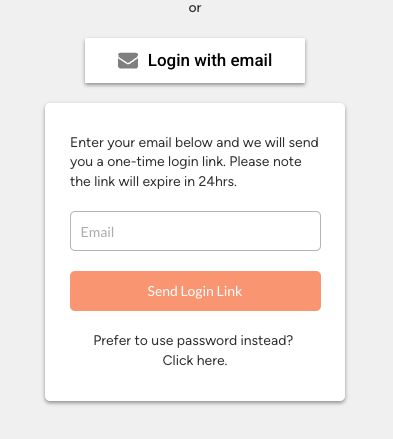
How to reset your password
This article explains how to reset a password and start using an email/password combo to login.
Updated over 8 months agoPlease follow these steps to reset your password:
Navigate to https://app.deskfound.com/login
Click on "Login with email"

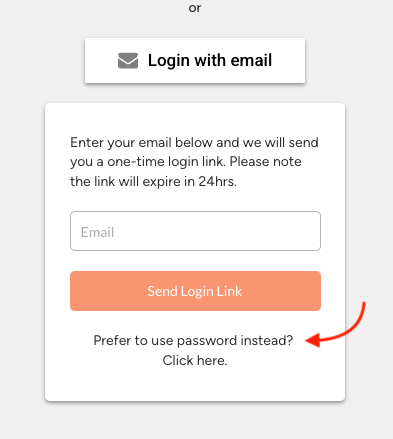
Then click on "Prefer to use password instead?" option

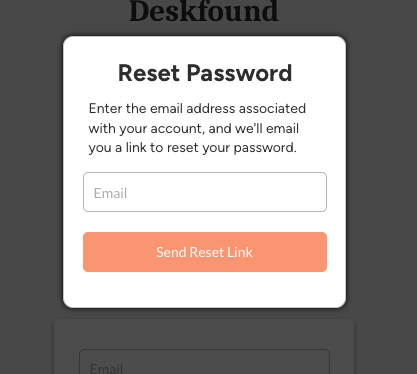
In the following window, click on "Forgot password" and enter your email.

Navigate to https://app.deskfound.com/login
Click on "Login with email"
Then click on "Prefer to use password instead?" option
In the following window, click on "Forgot password" and enter your email.
You will be sent a password reset link where you can set a new password.
Did this answer your question?😞😐😃